We build the software that runs the critical stuff
We build the datacenter platforms that keep critical infrastructure running 24/7. The software layer between failure and success.
Client ready telemetry.
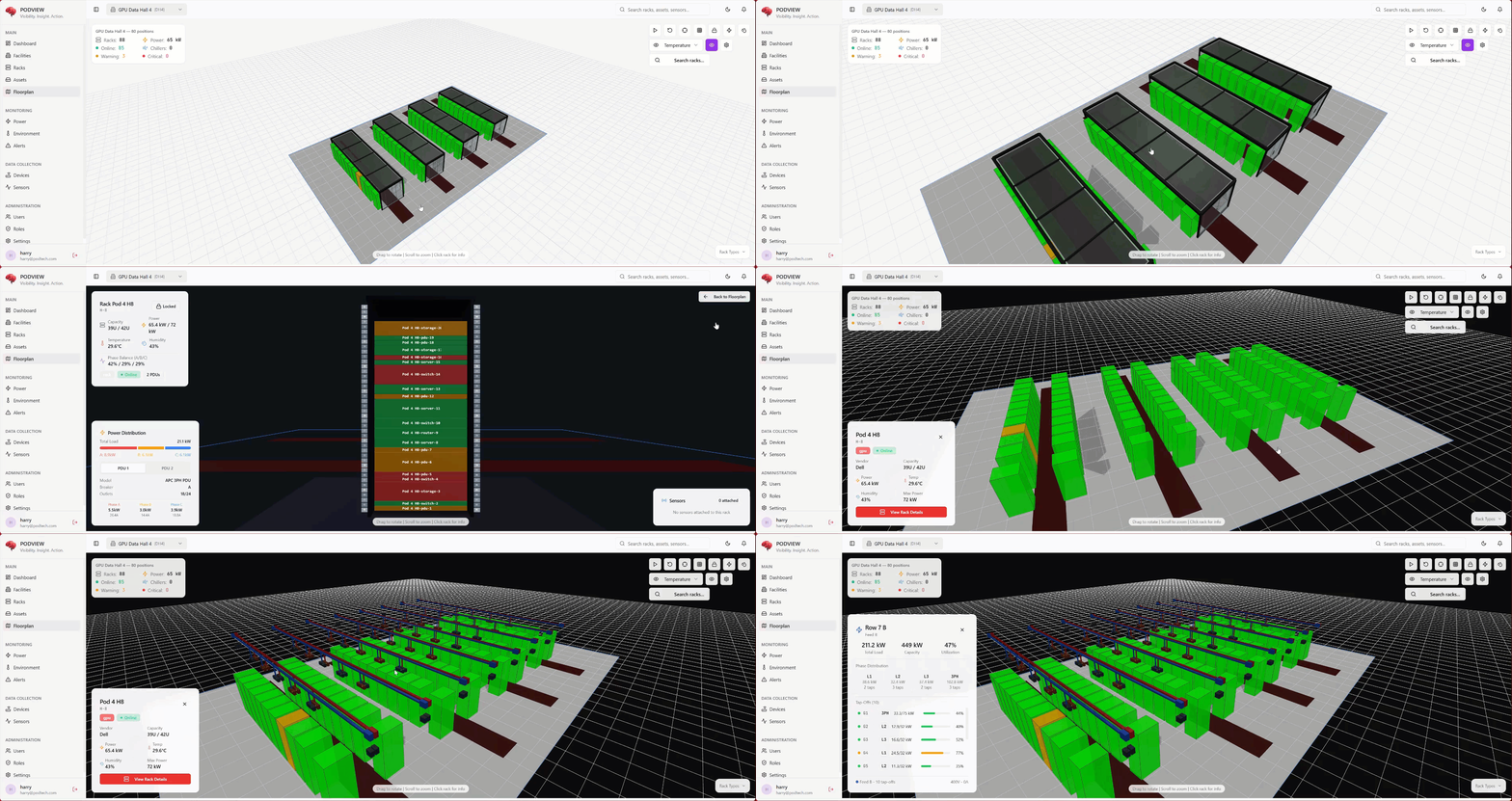
Compatible with all browsers, tablets and mobiles
Available on desktop, tablet, mobile
Engineering Services
Comprehensive software development services to transform your business
Custom Software
Tailored software development to meet your unique business requirements.
AI App Development
Cutting-edge AI and ML solutions for intelligent applications.
Enterprise Automation
Streamline operations with intelligent automation systems.
Mobile Development
Native and cross-platform apps for iOS and Android.
SaaS Development
Scalable cloud-based software with subscription models.
Datacenter Management
DCIM, BMS and PMS integration for critical infrastructure.
Building Telemetry
Real-time monitoring and analytics for smart buildings.
Legacy Modernization
Transform outdated systems into modern applications.
Engagement Models
Choose the collaboration model that best fits your business needs
IT Staff Augmentation
Extend your team with our skilled professionals who integrate seamlessly with your existing workflows.
Advisory Services
Expert consulting to guide your digital transformation journey.
Vibe Support
Expert deployment and support for AI-built applications.
Product Design
User-centered design creating intuitive experiences.
Datacenter Telemetry
BMS, PMS, and NMS integration for critical infrastructure.
Machine Learning
Advanced ML solutions for decision-making.
Computer Vision
Innovative image recognition solutions.
Data Transformation
Analytics and insights for strategic decisions.
Case Studies


Industries We Serve
Client Stories
"PODTECH understood exactly what we needed: less noise, more clarity. They delivered a platform that's already transforming how IT leaders make decisions."
Craig Felton
CEO, Behind Every Cloud
Awards and Recognition


Frequently Asked Questions
Common questions about PODTECH's software development and enterprise solutions.